Applications overview
Scheduled tab
The Scheduled tab shows upcoming scheduled pentests for this app. If you have a schedule trigger set up (daily, weekly, monthly, or a custom cadence), every…
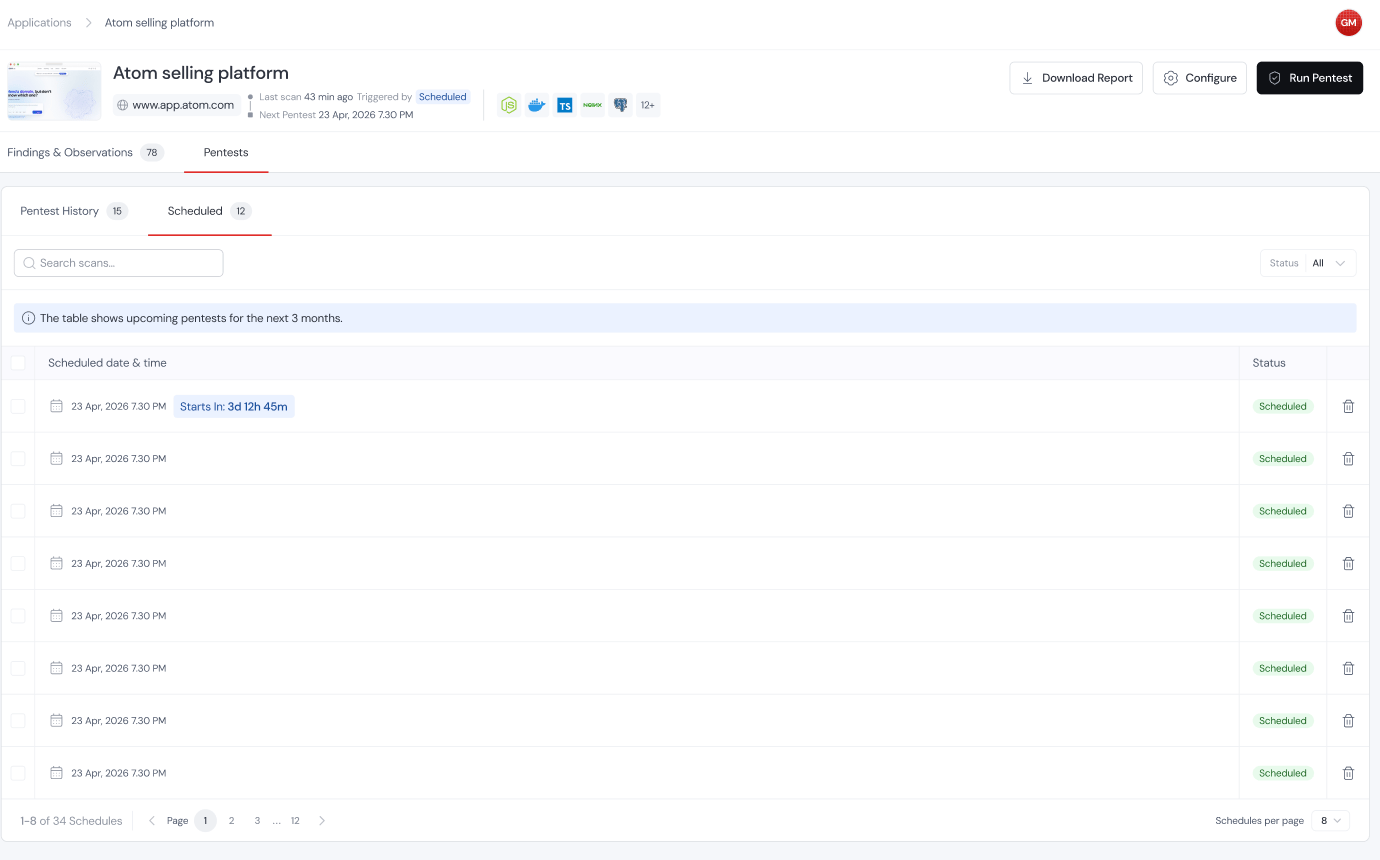
The Scheduled tab shows upcoming scheduled pentests for this app. If you have a schedule trigger set up (daily, weekly, monthly, or a custom cadence), every upcoming run shows up here with the date and time it’s set to kick off.