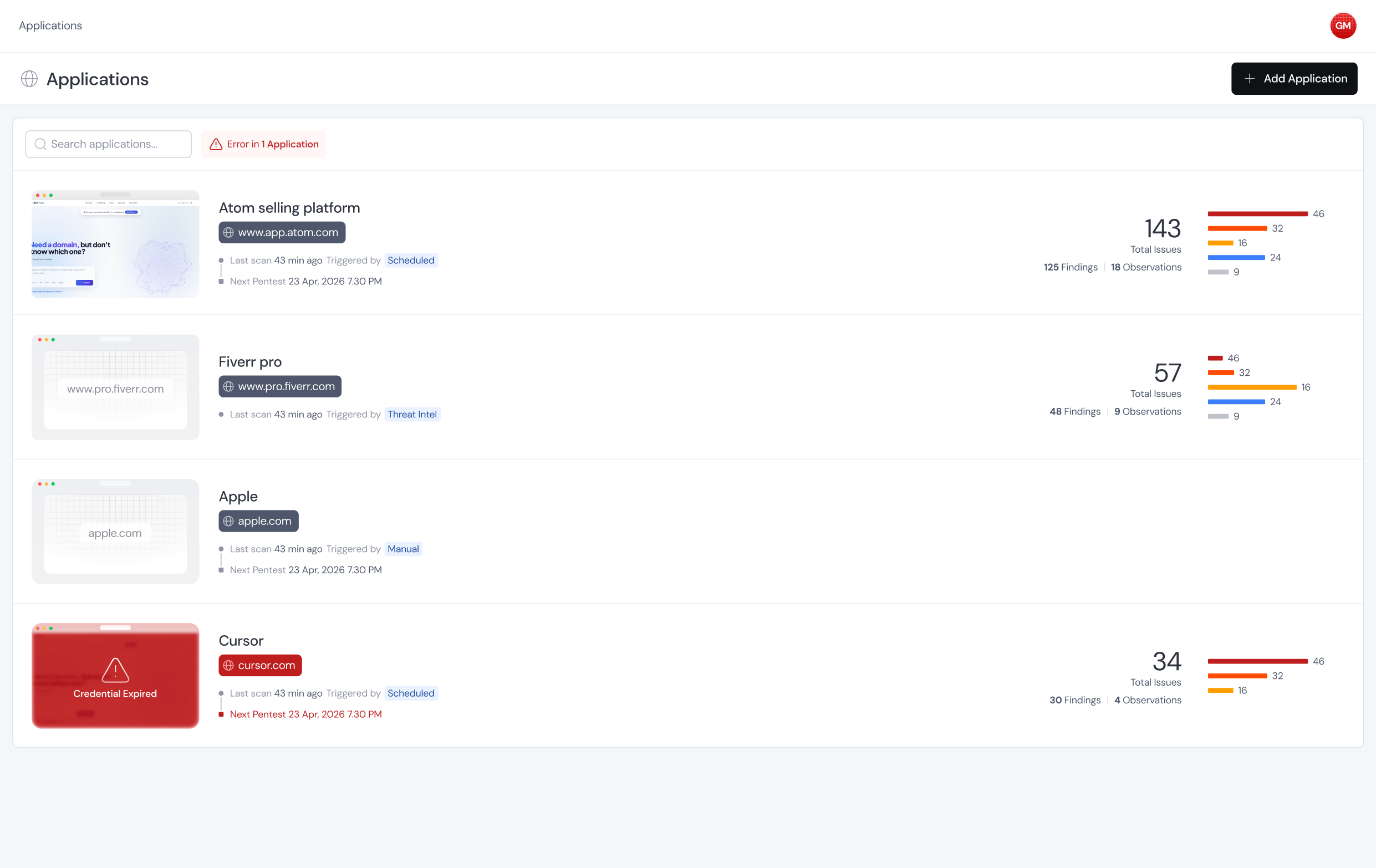
Every app you want pentested lives in the Applications tab. It’s your inventory. Each app has its own scope, authentication, schedule, and scan history, so you configure it once and every future pentest reuses that setup. The Applications tab showing the list of configured applications

What you can do here

  • Add a new app and walk through the configuration wizard
  • See which apps are set up and which ones still need attention
  • Open an app to tweak scope, auth, triggers, or scan mode
  • Kick off a one-off pentest whenever you want
  • Let a schedule run pentests automatically in the background
  • Browse past scan history for each app
Think of the application as the long-lived thing and the pentest as the short run that happens against it. You set up the application once, and every scan after that, scheduled or manual, inherits what you configured.