> ## Documentation Index
> Fetch the complete documentation index at: https://docs.noscope.com/llms.txt
> Use this file to discover all available pages before exploring further.
# Roles and access
> The Teams area is where you manage the people who can sign in and work with you on the platform. Right now we keep it simple: there are two roles, and everyo...
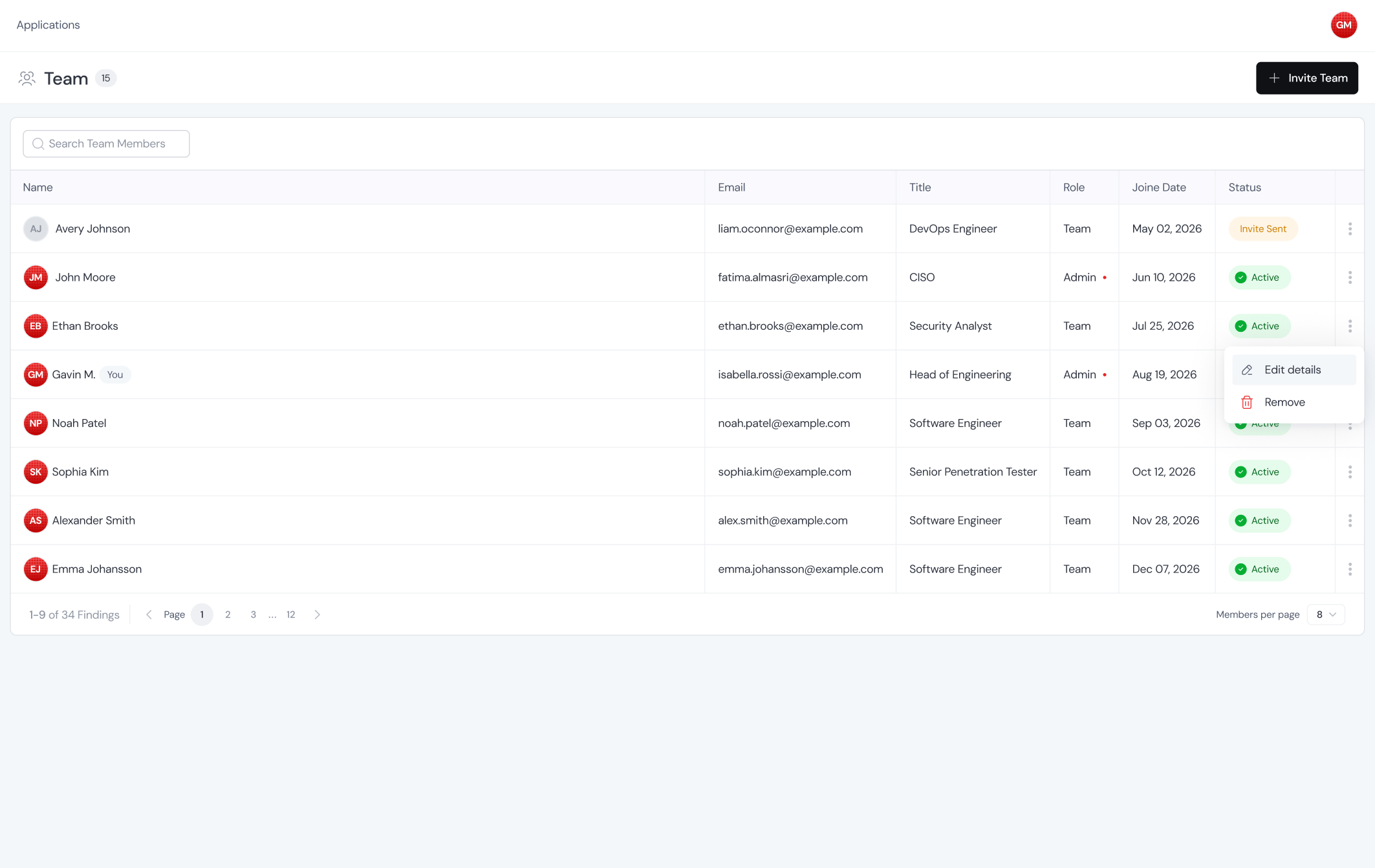
The Teams area is where you manage the people who can sign in and work with you on the platform. Right now we keep it simple: there are two roles, and everyone on the team sees the same data. What changes between roles is what they can do.
 ## The two roles
Can view everything across the platform and can invite new users to the team. Use this role for whoever is managing access on your side.
Can view everything an admin can see: apps, findings, reports, scan history, all of it. The only thing a user can't do is invite other users.
There's no cap on team size at the moment. Invite as many people as you need.
If you need more granular access controls (scoped permissions, per-app access, read-only roles, or anything else), just let us know. It's not built into the platform today, but we'll happily scope it out based on what you need.
This documentation is built and hosted on [Mintlify](https://mintlify.com), a developer documentation platform.
## The two roles
Can view everything across the platform and can invite new users to the team. Use this role for whoever is managing access on your side.
Can view everything an admin can see: apps, findings, reports, scan history, all of it. The only thing a user can't do is invite other users.
There's no cap on team size at the moment. Invite as many people as you need.
If you need more granular access controls (scoped permissions, per-app access, read-only roles, or anything else), just let us know. It's not built into the platform today, but we'll happily scope it out based on what you need.
This documentation is built and hosted on [Mintlify](https://mintlify.com), a developer documentation platform.